How It Works
Create an account, choose VR Training, receive invoice, pay invoice and receive link to testing, use an approved headset to complete your Method-9 certification remotely.

Enroll Now
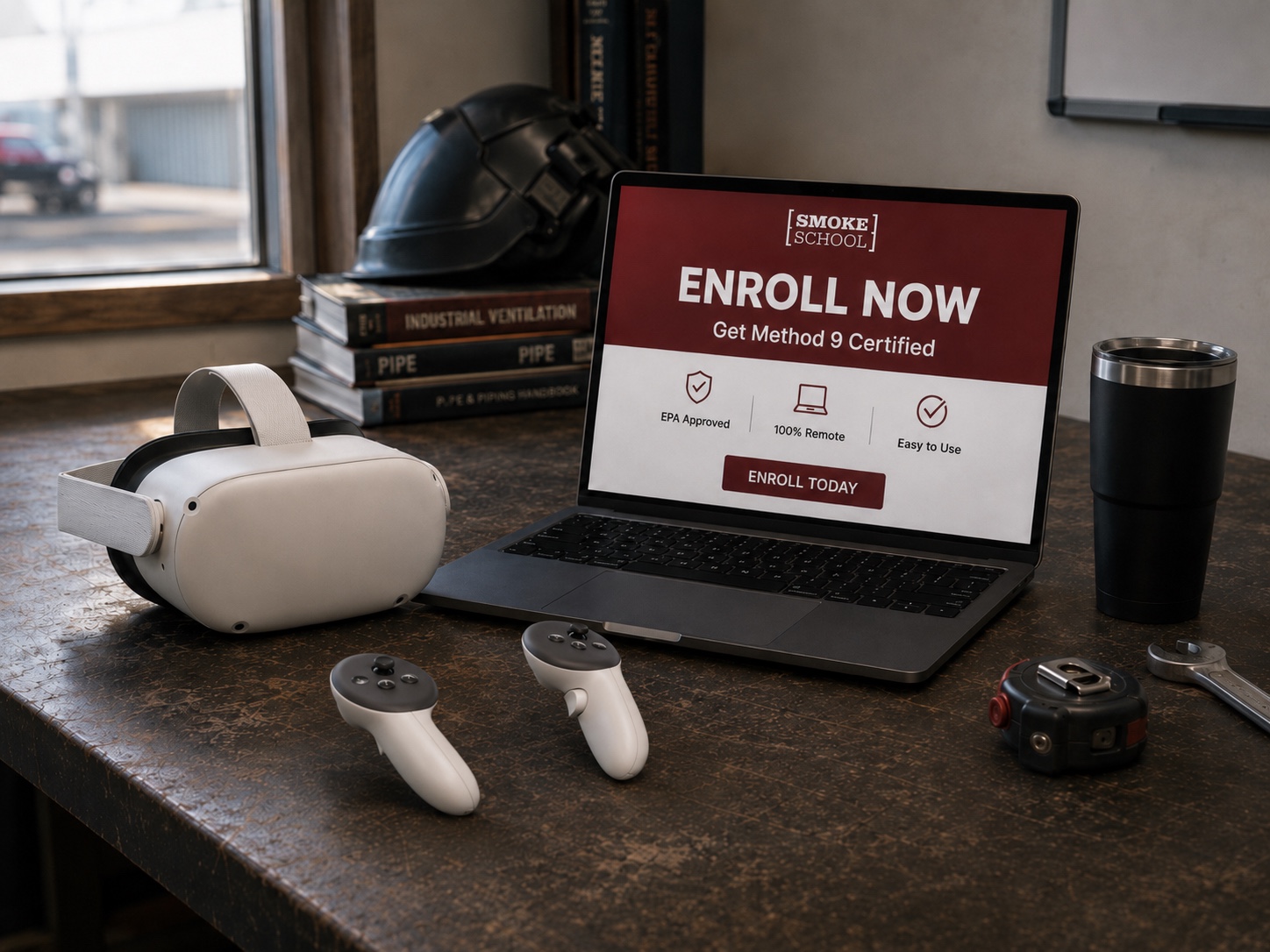
Enroll now and register if you are a new user, or login if you are an existing customer. Once you are signed in you may proceed to sign up new users or select existing users in your account and choose “VR Training” from the pull down menu. Because we offer in-person training events in the Pacific Northwest, you may also sign up employees for any of our events that we have on the same pull down menu.
01

02

Payment
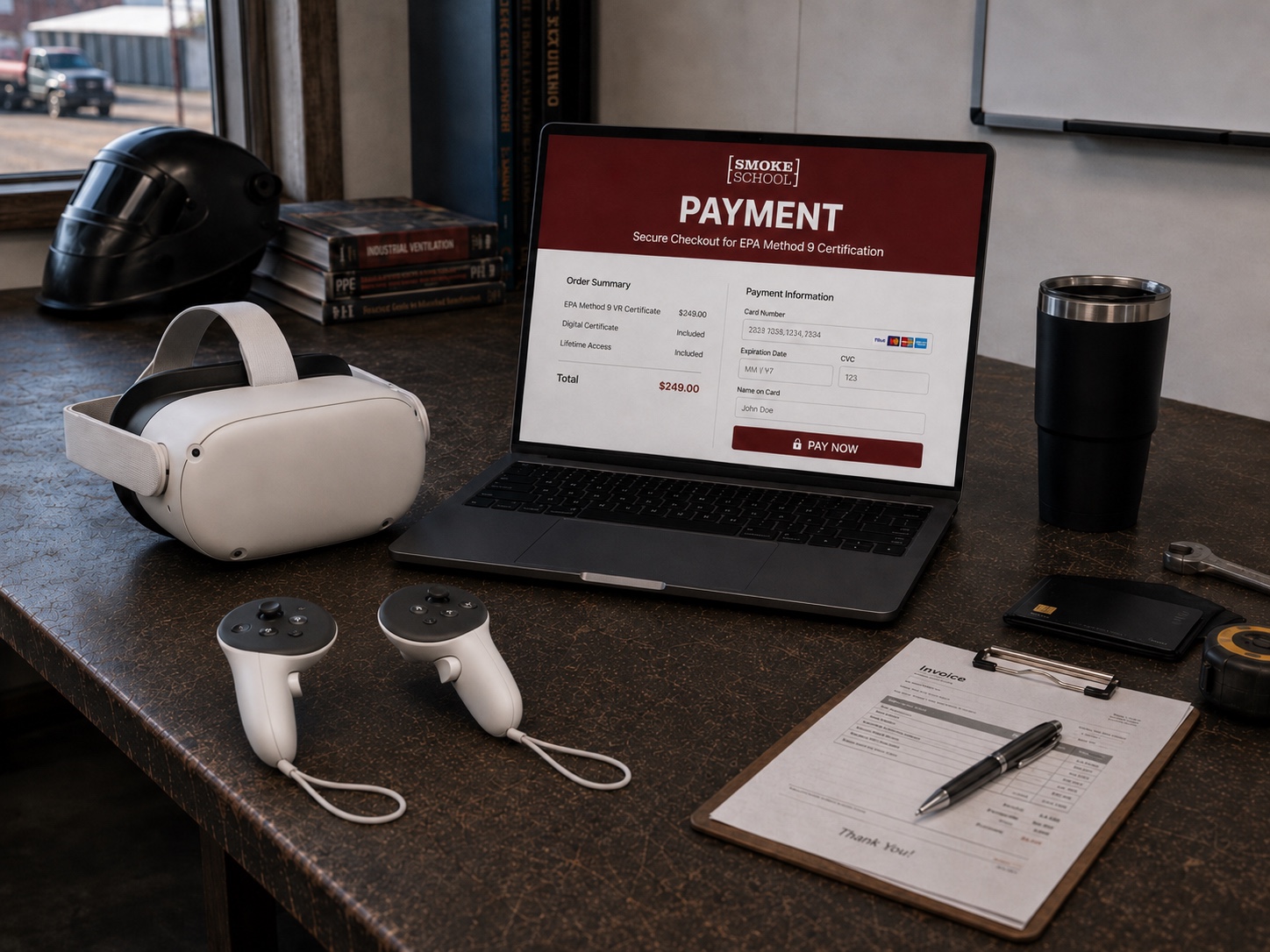
Once you have selected "VR Training" our team will send you an invoice. After payment for the invoice is processed you will receive a testing link. Following successful completion of the test you will be emailed a certification card.

Orientation
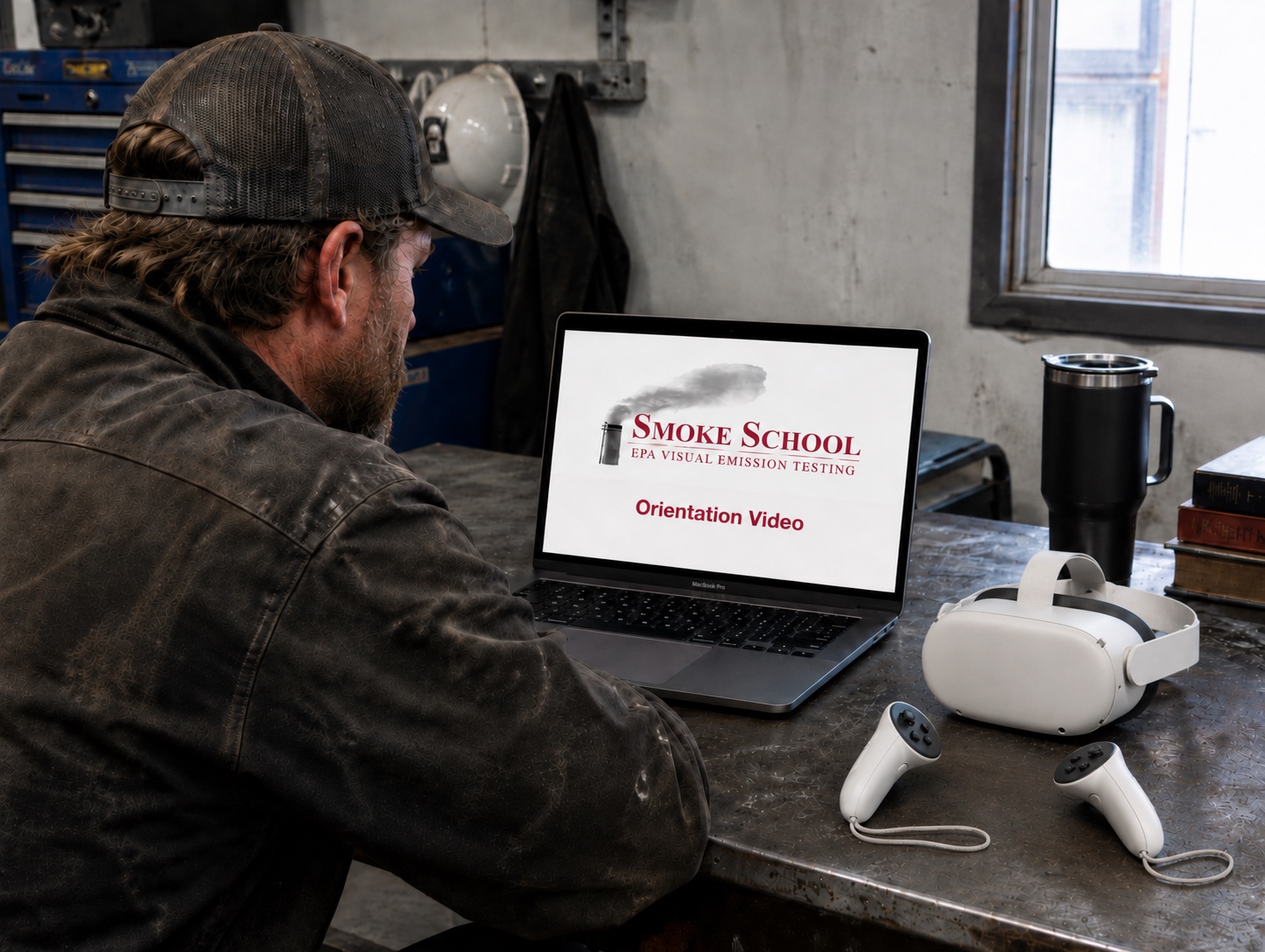
Prior to the VR testing, we strongly recommend watching our Initial Orientation Video (YouTube).
You may watch the video from a desktop PC or directly from the VR headset.
03
04

Testing
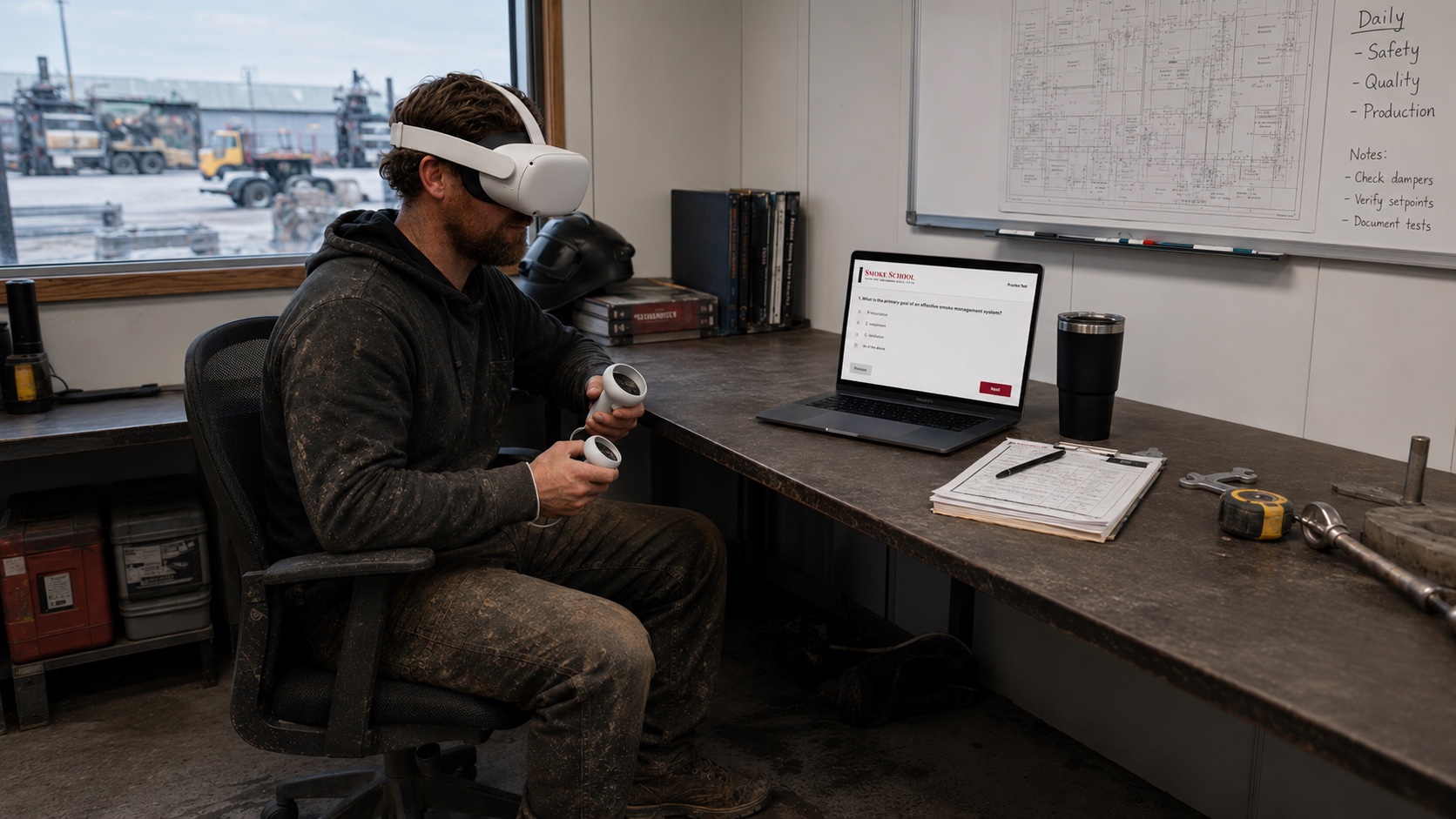
After choosing to watch the Initial Orientation Video (YouTube) or not, you may then proceed into the VR Training using an approved headset.

Getting your certificate
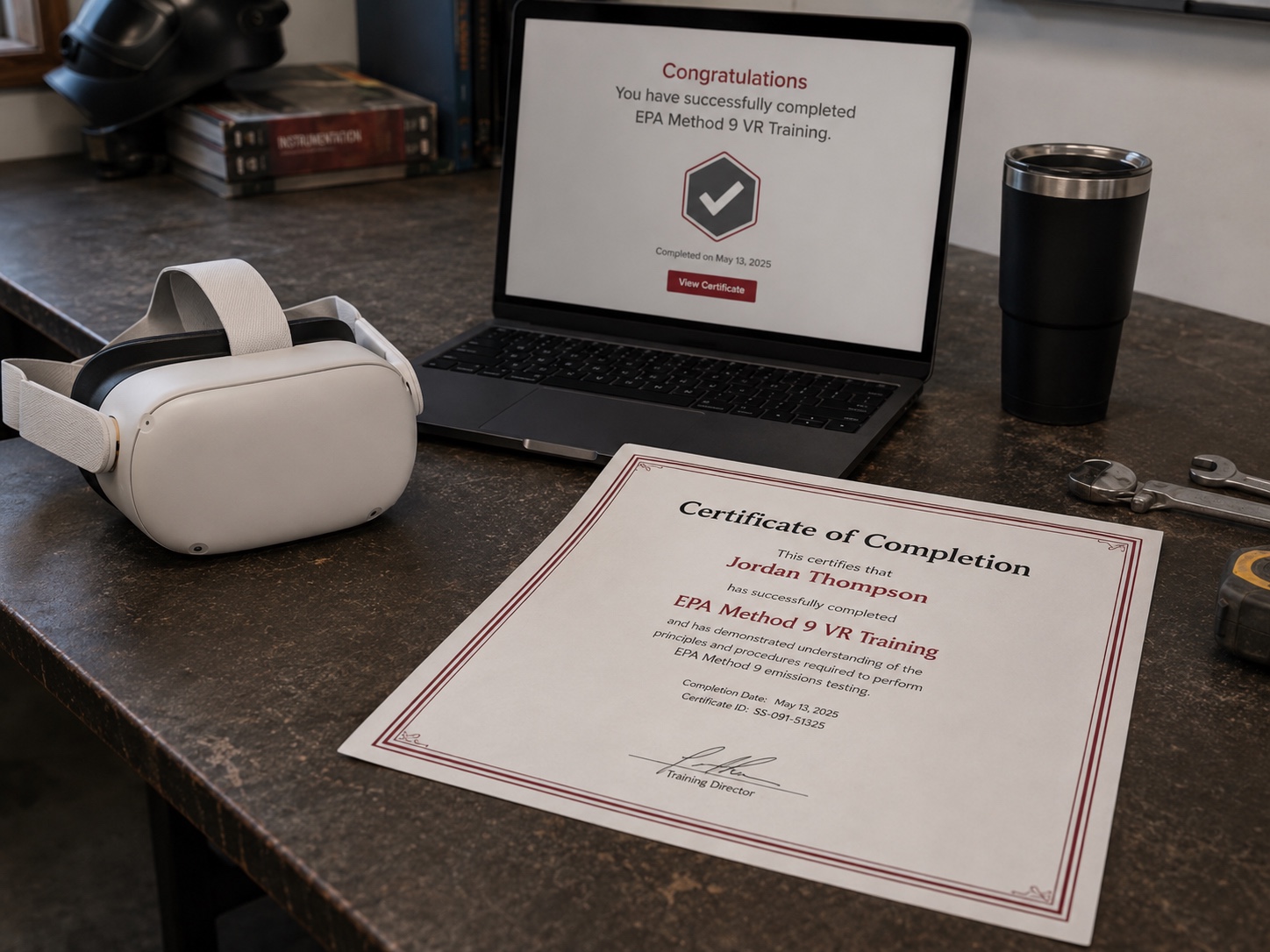
Once you have successfully completed the VR testing, you will be emailed a copy of your test results. You will then receive your card and initial certificate within 5 business days. If this is your first time becoming certified, you will be required to take part in a video lecture and complete the follow-up test to confirm course completion.
05
Staying up to date with recurring trainings
Provide us with the email addresses of anyone on your team who should receive reminders when certifications are about to lapse or when upcoming training events are available.
Get Started Today
It only takes a moment to create an account and begin the process of becoming VR certified.

Reach out to us Today
If you have any questions, simply fill this out and we will get back to you soon.